Google Business Profile Suspended in the UK? What to Do Before You Appeal
Finding your Google Business Profile suspended can feel as though the phone has stopped ringing overnight. Before you rush an appeal, it helps to understand what has happened, what Google may have flagged and what evidence is likely to support your case.
Short answer: If your Google Business Profile is suspended, do not create a new profile or make hasty edits. Review the listing against Google’s guidelines first, especially your business name, address, eligibility, service area and any duplicates. Gather evidence that matches the profile exactly, then submit one careful appeal through the Business Profile appeals tool.
Google Business Profile suspended: what does it actually mean?
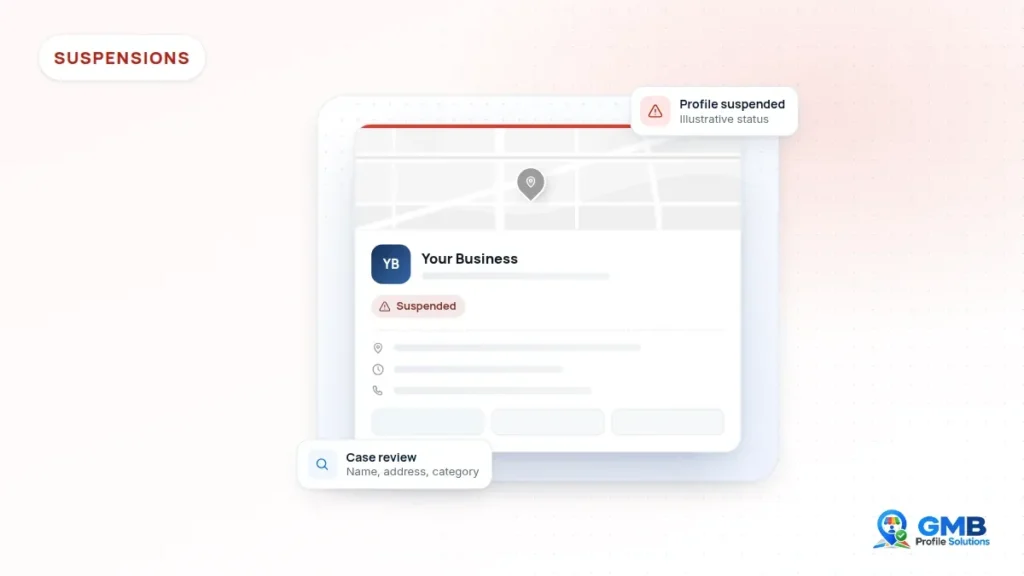
A suspension means Google has taken enforcement action because it believes the profile, or the account managing it, may not meet its policies. Depending on the action, the profile may stop showing publicly or you may lose the ability to manage it.
Google’s help page on fixing suspended or disabled profiles explains that these profiles cannot be managed normally until the issue is resolved. The wording you see in your dashboard, and any email Google sent, is the best starting point for working out what has been affected.
Suspended, disabled and limited: what is the difference?
Google’s current help pages generally talk about “suspended or disabled” profiles together, and describe the same appeal route for both. In practice, either term usually means the profile itself has been restricted, rather than one feature of it.
Separately, Google describes narrower restrictions. Its overview of Business Profile policies explains that Google may limit or restrict certain content or activity, and other restrictions can affect things like reviews for a set period. These are sometimes loosely called “limited” profiles. A profile in this position may still appear on Google while some features are paused, so the fix is often different from a full suspension.
If you are unsure which situation applies, note exactly what you can and cannot do in the dashboard, and whether the profile still appears on Search and Maps. That record will also be useful later.
Why might a Google Business Profile be suspended?
Google rarely gives a detailed reason, so the cause usually has to be worked out by reviewing the profile against its guidelines. Common possible causes tend to fall into a few familiar groups.
- Business name issues: extra keywords, locations or taglines added to the name that do not appear on real signage or documents.
- Address issues: a virtual office, mailbox or co-working address that is not staffed, or a home address shown publicly when customers do not visit it.
- Eligibility: an online only business, or one that does not meet customers face to face, may not qualify for a profile at all.
- Service area set-up: areas that stretch far beyond where the business genuinely travels.
- Duplicates: more than one profile for the same business at the same location.
- Recent edits: significant changes to the name, address or category can trigger a fresh review.
- Account level problems: sometimes the Google Account managing the profile is restricted, rather than the profile itself.
None of these is a certain explanation for any individual case. They are the areas worth checking first because they come up most often in Google’s own guidelines for representing your business on Google.
What should you review before you appeal?
Review the profile line by line against the guidelines before you submit anything. An appeal is far stronger when the profile already reflects the real business accurately.
Business name
Your profile name should match the name customers see on your signage, vehicles, invoices and website. If “Emergency Plumber Croydon” is on the profile but “Smith Plumbing Ltd” is on your van, that mismatch is worth addressing before you appeal.
Address
Check that the address is a real place where the business operates. Google’s guidelines say virtual offices are not eligible, and co-working addresses are only acceptable in limited circumstances, such as clear signage and staff present during business hours.
Eligibility
Ask a simple question: does the business either have a location customers can visit, or does it travel to customers? If neither is true, a profile may not be appropriate, and an appeal is unlikely to change that.
Service area
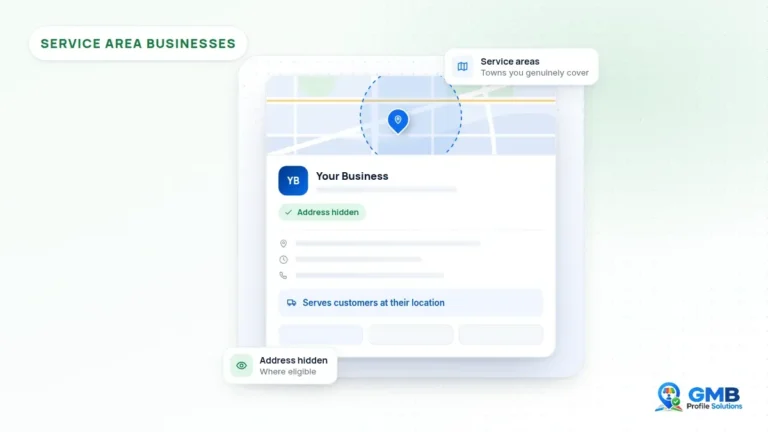
If you visit customers rather than receive them, your address should usually be hidden and your service areas should reflect where you genuinely work. Google’s guidance suggests keeping the overall area within about two hours of driving time from where the business is based.
Duplicates
Search Google Maps for your business name, phone number and address. Old listings created by a previous agency, a former owner or an earlier version of your business can all cause confusion. If you find more than one, read our guide to duplicate Google Business Profiles before taking any action.
What evidence can support an appeal?
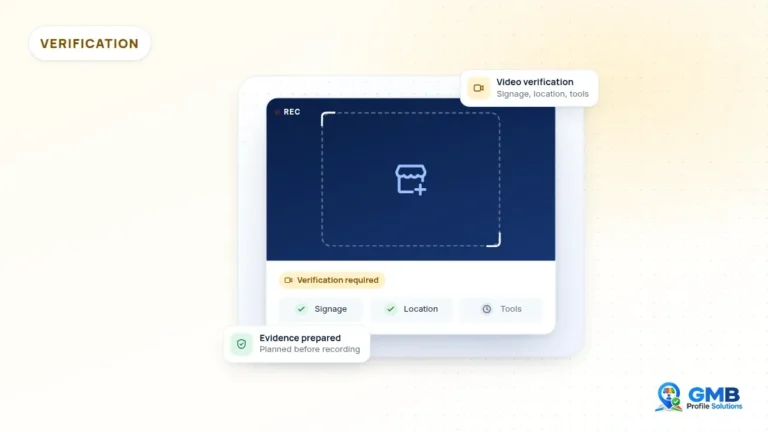
The most useful evidence shows that the business is real, operates where the profile says it does, and trades under the name on the profile. Google’s appeals help page lists examples such as official business registration, a business licence, tax certificates and utility bills.
For many UK businesses, that could include:
- Companies House registration or a certificate of incorporation, where the business is a limited company
- A recent utility bill, broadband bill or business rates bill showing the business name and address
- A trade licence, registration or accreditation relevant to your work, where you hold one
- Clear photos of permanent signage, branded vehicles or equipment
- Invoices or letters addressed to the business at that address
Google stresses that the business name and address on your documents should match the profile you are appealing. If they do not match, it is usually better to correct the profile, or gather the right documents, before you submit.
Quality matters more than quantity. A few clear, relevant, consistent documents are generally more helpful than a large folder of loosely related files.
What should you avoid doing while the profile is suspended?
The most important rule is not to create a new profile for the same business. Google’s help page specifically warns against this while an appeal is under review.
Other things that can make the situation harder include:
- Submitting several appeals for the same issue before receiving a decision
- Uploading documents that show a different name or address from the profile
- Adding keywords or locations to the business name in the hope of recovering visibility
- Using a virtual office or borrowed address to make a listing look local
- Paying anyone who claims they can speed up a decision or has special access to Google
Calm, accurate and consistent tends to work better than quick and reactive. Nobody outside Google can promise a particular outcome.
How do you prepare an appeal in the Business Profile appeals tool?
Appeals are submitted through the Business Profile appeals tool while signed in to the Google Account linked to the profile. Google’s guide to appealing Business Profile restrictions explains the steps and the current rules.
- Sign in with the Google Account that manages the profile.
- Check whether the account itself is restricted. If it is, Google says that restriction needs to be dealt with first.
- Open the appeals tool and select the profile and restriction you want to appeal.
- Submit the appeal, then add your supporting evidence. Google’s help page currently says evidence should be added within 60 minutes of submitting, so have your files ready beforehand.
- Wait for the decision by email and check the status in the tool.
Google currently states that reviews and decisions can take up to five business days, although individual cases may vary. Keep a simple note of what you submitted and when, including copies of each document.
What if your appeal is rejected?
A rejection does not always mean the end of the road, but it does mean something needs a closer look. Google’s help page explains that you may be able to request an additional review of a denied request with new evidence.
Before doing that, go back over the profile and your documents with fresh eyes. Ask whether the name, address, category and service area genuinely reflect the business, and whether your evidence proves each of those points. Google also notes that businesses in the UK and EEA may have additional redress options, such as referring the appeal to an out-of-court dispute settlement body.
Our page on rejected Google Business Profile appeals sets out how we approach a second review.
When may professional support help?
Many business owners can handle a straightforward suspension themselves. Support may help when the cause is unclear, when an appeal has already been rejected, or when several locations or duplicate listings are involved.
An independent reviewer can look at the profile the way a policy reviewer might, point out inconsistencies you may have stopped noticing, and help you organise evidence so it tells one clear story. That is preparation and guidance, not special access: the final decision rests with Google. If you would like that kind of help, our Google Business Profile suspension support page explains how it works.
Get a second pair of eyes
If your profile has been suspended and you are not sure what went wrong, GMB Profile Solutions offers an independent, free case review. We are not Google and cannot promise reinstatement, but we can look at your profile, your evidence and your history, then explain honestly what we see and what your options may be. You can get in touch here whenever you are ready.
Frequently asked questions
How long does a Google Business Profile appeal take?
Google's help page currently says appeal reviews and decisions can take up to five business days, although some cases may take longer depending on the circumstances. You can check the status in the Business Profile appeals tool and should receive an email with the outcome. Avoid submitting further appeals for the same issue while you wait, as Google asks businesses not to do this.
Should I create a new profile if mine is suspended?
No. Google specifically advises against creating a new Business Profile for the same business while an appeal is under review. A second profile can look like a duplicate or an attempt to avoid enforcement, which may make the situation harder to resolve. It is usually better to review the existing profile, correct any genuine issues and appeal with clear evidence.
What documents are most useful for a suspension appeal?
Documents that show your business name and address exactly as they appear on the profile tend to be most useful. Google gives examples such as business registration, a business licence, tax certificates and utility bills. For UK businesses, Companies House records, recent bills and photos of permanent signage may also help, provided the details are consistent with the profile.
Can I appeal again if my appeal was rejected?
Google's help page explains that you may be able to request an additional review of a denied request by providing new evidence. Before doing so, review the profile again to see whether anything still conflicts with the guidelines. UK and EEA businesses may also have further redress options, including an out-of-court dispute settlement body, depending on the circumstances.
Sources and further reading
This guide is general information, not legal advice. Google's policies and processes change, and outcomes are decided by Google. GMB Profile Solutions is an independent service provider and is not affiliated with, endorsed by, or part of Google LLC.