Google Business Profile Appeal Not Approved? What to Review Next
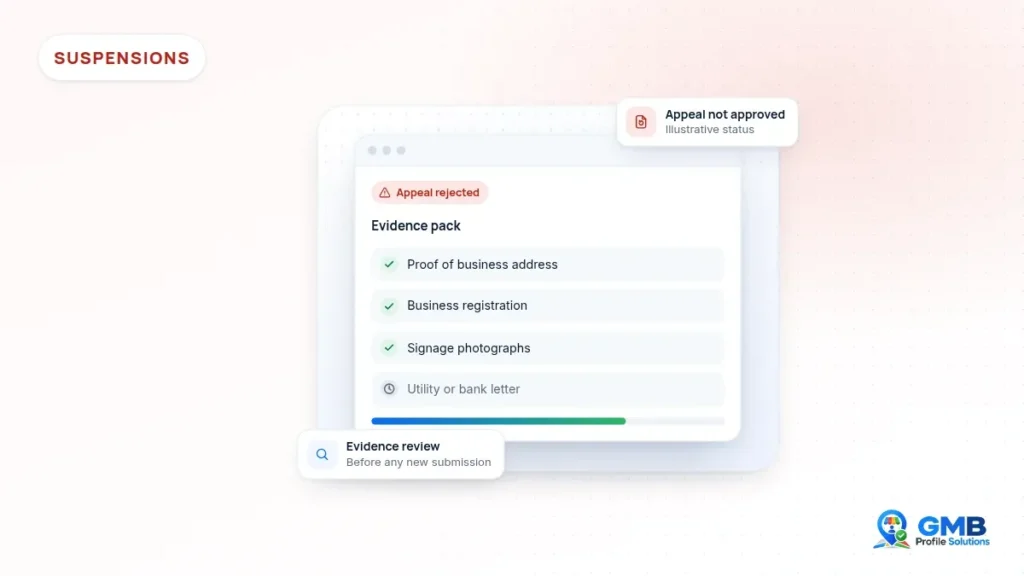
Seeing your Google Business Profile appeal not approved can be deflating, particularly if you know your business is genuine. Before you do anything else, pause. A rejected appeal usually means the reviewer was not satisfied with something, so working out what that was is the most useful next step.
Short answer: If your Google Business Profile appeal was not approved, do not resubmit the same appeal or create a new profile. First, check the appeal status and any email from Google. Next, review the profile against Google’s guidelines and look again at the evidence you sent. Only take a further step once you have fixed what the reviewer could not see clearly.
Google Business Profile appeal not approved: what it usually means
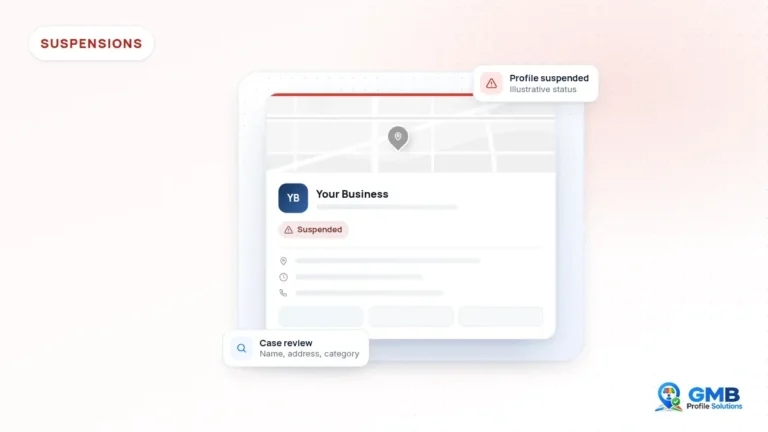
When an appeal is rejected, Google has reviewed the profile and the information you supplied, and decided not to reinstate it at that point. Google rarely explains the reason in detail. In practice, though, rejections tend to fall into a few groups:
- The profile still appears to break the Business Profile guidelines.
- The evidence did not clearly show the business operating at the stated address.
- The details on the documents did not match the profile.
- The business may not be eligible for a profile in its current form.
Check the appeal status and wording first
You can usually see the status of an appeal in Google’s Business Profile appeals tool, and Google normally sends an email when it makes a decision. Read both carefully. Sometimes the wording suggests the decision is final, while in other cases further options may be available. Save a copy of the message, because it will help you, or anyone reviewing the case with you, later on.
How long does a Google Business Profile appeal take?
Google does not publish a fixed timescale. Some appeals are decided within days, while others take longer, especially if Google asks for more evidence. So if your appeal is still pending, avoid making further edits to the profile while you wait, because changes can complicate the review.

Review the profile itself
Go through each part of the profile as if you were seeing it for the first time. Google’s guidelines for representing your business are the benchmark.
- Name: does it match your signage, website and registration documents exactly? Remove any keywords, locations or slogans.
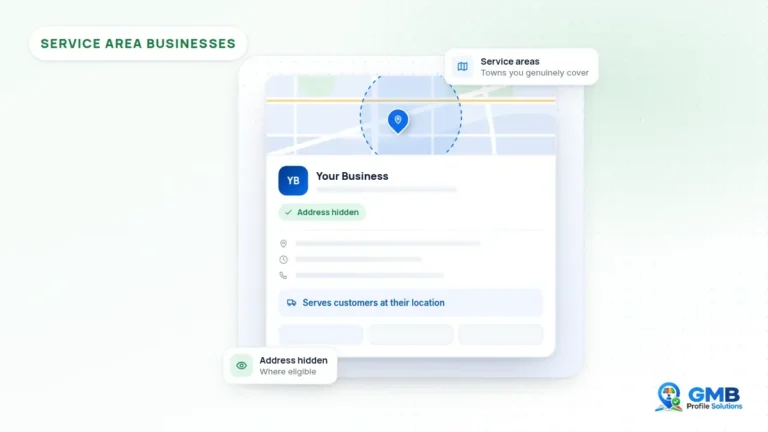
- Address: is it a real, permanent location where the business operates? If you do not serve customers there, is it hidden?
- Category: does the primary category reflect the core of the business?
- Website: does it clearly belong to this business and show the same name and, where relevant, the same address?
- Phone: is it a number that belongs to this business and location?
- Recent edits: did anything change shortly before the suspension?
Review the evidence you sent
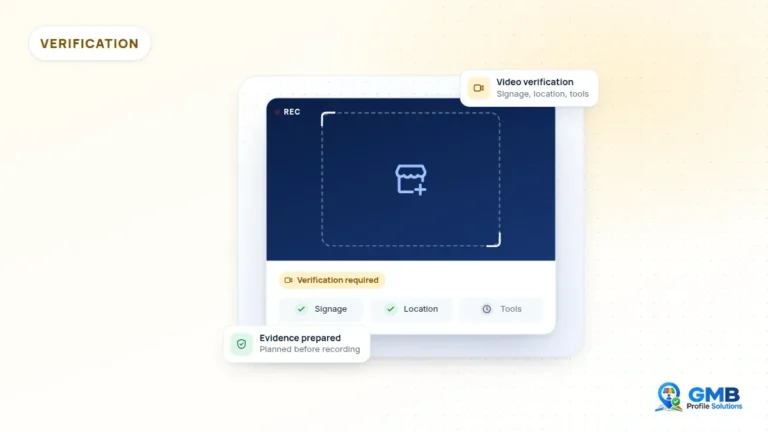
Evidence is often where appeals fall short. Look back at what you uploaded and ask whether a stranger could confirm the business from it alone.
- Did photos show permanent signage with the business name, rather than temporary banners or printed paper?
- Did they show enough of the surroundings to link the premises to the address?
- Were the documents current, legible and in the business name at the same address as the profile?
- Did every piece of evidence use the same business name and address format?
- For service-area businesses, did the evidence show the trade, such as a branded vehicle and tools?
Small inconsistencies can make a reviewer less confident. For example, a trading name on the profile and a different company name on a bill, with nothing linking the two, leaves a gap.
Making the link clear
If your trading name differs from your registered company name, include something that connects the two, such as a document showing both names. Likewise, if your premises are inside a larger building, show the entrance to your unit as well as the main entrance. The aim is to leave the reviewer with no gaps to fill in themselves.
Consider eligibility honestly
Some appeals are not approved because the business, as currently set up, is not eligible. Examples include businesses that operate only online, virtual offices or unstaffed mailboxes, and lead generation set-ups where the profile does not represent a single real business. If this applies, appealing again is unlikely to change the outcome. Instead, the better route is to understand what an eligible set-up would look like, if there is one.
For example, a tradesperson who listed a home address as a storefront may find that a correctly configured service-area business profile, with the address hidden, fits how they actually work. On the other hand, a business using a serviced office it does not staff may need to consider whether it has any eligible location at all. These are judgement calls, and sometimes the honest answer is that a profile is not appropriate.
What to avoid after a rejection
- Submitting the same appeal again with the same evidence.
- Creating a new profile for the same business at the same address.
- Changing the address to a different location to appear eligible.
- Uploading documents that have been edited or do not relate to the business.
These steps can make the situation harder to resolve and may affect other profiles or the Google account itself. It is also worth checking whether other profiles managed from the same Google account have been affected. If several profiles share an owner, reviewing them together can reveal a common cause, such as a naming pattern or a shared phone number.
Deciding what to do next
Depending on the circumstances, the next step might be to correct the profile and gather stronger evidence, to contact Google Business Profile support through the Help Centre, or to accept that the current set-up is not eligible and rethink it. In every case, timelines vary and nobody can predict the outcome in advance.
The most useful question after a rejection is not “how do I appeal again” but “what did the reviewer not see clearly”.
If you are earlier in the process, our guide on what to do when a Google Business Profile is suspended covers the first steps, before any appeal.
When to get a second pair of eyes
After a rejection, it can be hard to see your own profile objectively. GMB Profile Solutions offers an independent case review if your Google Business Profile appeal was rejected. We review the profile, the evidence you submitted and the history of the case, then explain what may need to change before any further step. We are an independent service, not Google, and the final decision always rests with Google. You can request a free case review whenever you are ready.
Frequently asked questions
Can I appeal again after my Google Business Profile appeal was not approved?
Sometimes further options are available and sometimes the decision is final, so check the wording in the appeals tool and Google's email first. Resubmitting the same appeal with the same evidence rarely helps. Fix what the reviewer could not see clearly before taking any further step.
How long does a Google Business Profile appeal take?
Google does not publish a fixed timescale. Some appeals are decided within days, while others take longer, especially if Google asks for more evidence. Avoid editing the profile while an appeal is pending.
Where can I check my appeal status?
You can usually see the status of an appeal in Google's Business Profile appeals tool, and Google normally emails you when it makes a decision.
Should I create a new profile if my appeal is rejected?
No. Creating a new profile for the same business at the same address can make the situation harder to resolve and may affect the Google account itself. It is better to understand why the appeal was rejected first.
Sources and further reading
This guide is general information, not legal advice. Google's policies and processes change, and outcomes are decided by Google. GMB Profile Solutions is an independent service provider and is not affiliated with, endorsed by, or part of Google LLC.